Client Management RMR Management Recurring Line Data Entry Form Definitions
Data Entry Fields for the New Recurring Item form
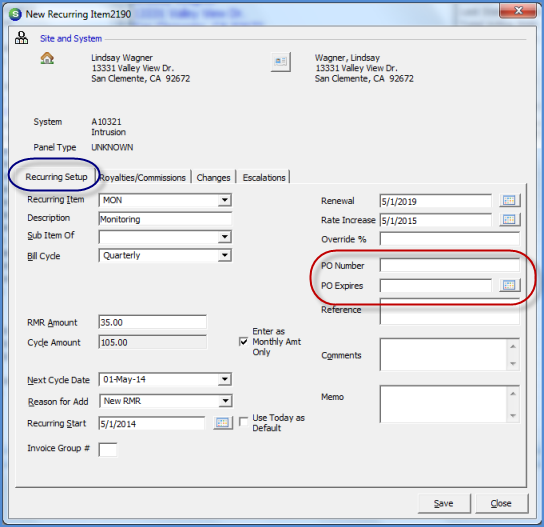
PO Number – If your customer has provided a purchase order number which needs to be printed on the cycle invoice, enter that number into this field. This field is optional.
PO Expires – If a PO Number was entered in the previous field and will expire on a particular date, you may enter the expiration date of the PO in this field. This field is optional.
Note: If a PO Expiration date is setup on the recurring line, this will not cause the customer to stop billing as of that date; this is for informational purposes only. We recommend that you generate the Cycle PO Expiration report every month so that you may contact your customers for a new PO Number prior to the expiration date of the current PO. This report is found on the Report Manger within the Client Management report listing.
2792
Previous Page Page 5 of 6 Next Page